Stuck on what to build?

What to do?

IdeaPRDStackCode

How it works

One idea.Four moves.

  1. 01

    Roll

    A random idea — or your own.

  2. 02

    Spec

    A scoped PRD, editable per section.

  3. 03

    Stack

    A curated pick you can override.

  4. 04

    Ship

    Boilerplate, running live in-browser.

CLI

Same pipeline.No browser.

$ npx create-whattodo
View on npm
Terminal
$ npx create-whattodo "a tool that tracks my reading list"
 
create-whattodo — idea → PRD → stack → running project
 
▸ Generating your PRD...
✔ PRD ready.
 
▸ Choosing a stack...
Recommended stack
frontend Next.js
backend Next.js API Routes
database PostgreSQL (Neon)
 
▸ Generating your boilerplate (this can take a minute or two)...
✔ Done
 
✔ Done — your project is ready in ./reading-list-tracker
 
Next steps:
cd reading-list-tracker
npm install
npm run dev

Mobile

Roll on the go.Build from your phone.

Spec it, build it and push it to GitHub without leaving your phone. Projects sync with your History here.

  1. 01 Get Expo Go (free, iOS and Android).
  2. 02 Tap Open in Expo Go below.
  3. 03 Sign in with GitHub inside the app.
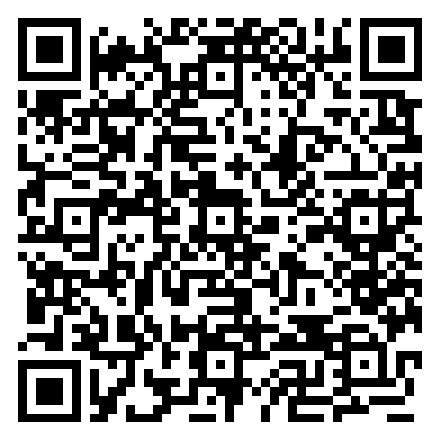
Open in Expo Go

Capabilities

True today,not someday.

FAQ

Quickanswers.